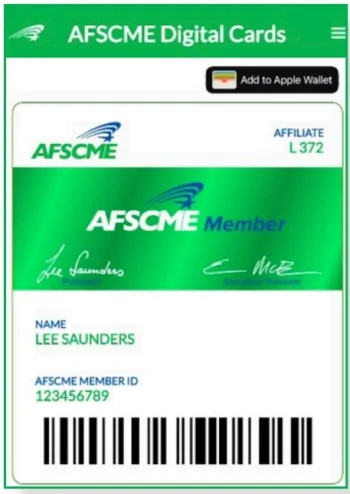
AFSCME Digital Member Card
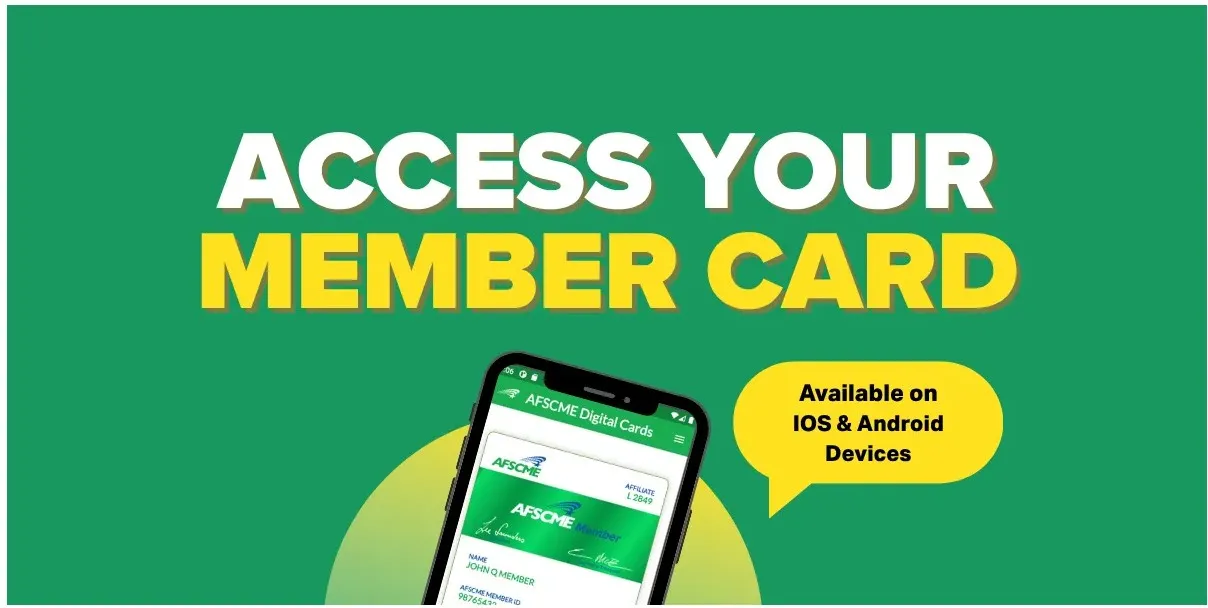
If you have a smartphone, you can access a digital version of your membership card instantly! Follow the steps below to get started or click here to download instructions.
Step 1: Download the app
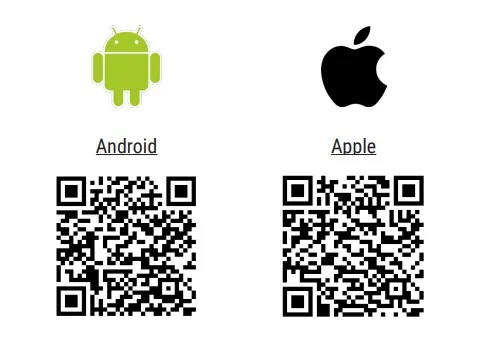
iPhone users can download the app here.
Android users can download the app here.
Or use the QR code below!
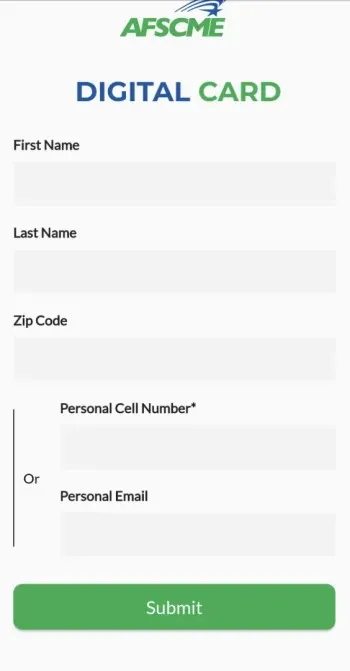
Step 2: Open the app and fill out the form with your information.
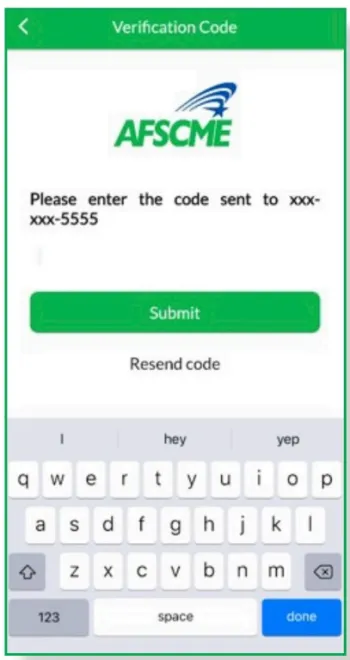
Step 3: You will receive an authorization code via text or email - input the code you received in the box provided.
Step 4: Your digital card is now ready for you to use!